
Feature | New standard for User Management
We are introducing a more secure, modern, and intuitive way to manage your Tweakwise access. This update brings enterprise-grade security and simplifies how multi-tenant organizations and user seats are administered. Behind the scenes, we have completely rebuilt our authentication layer to merge enterprise-grade security with a flexible user experience. We have transitioned to a renewed login system that introduces mandatory Multi-Factor Authentication (MFA) via SMS or trusted authenticator apps (such as Google or Microsoft Authenticator).
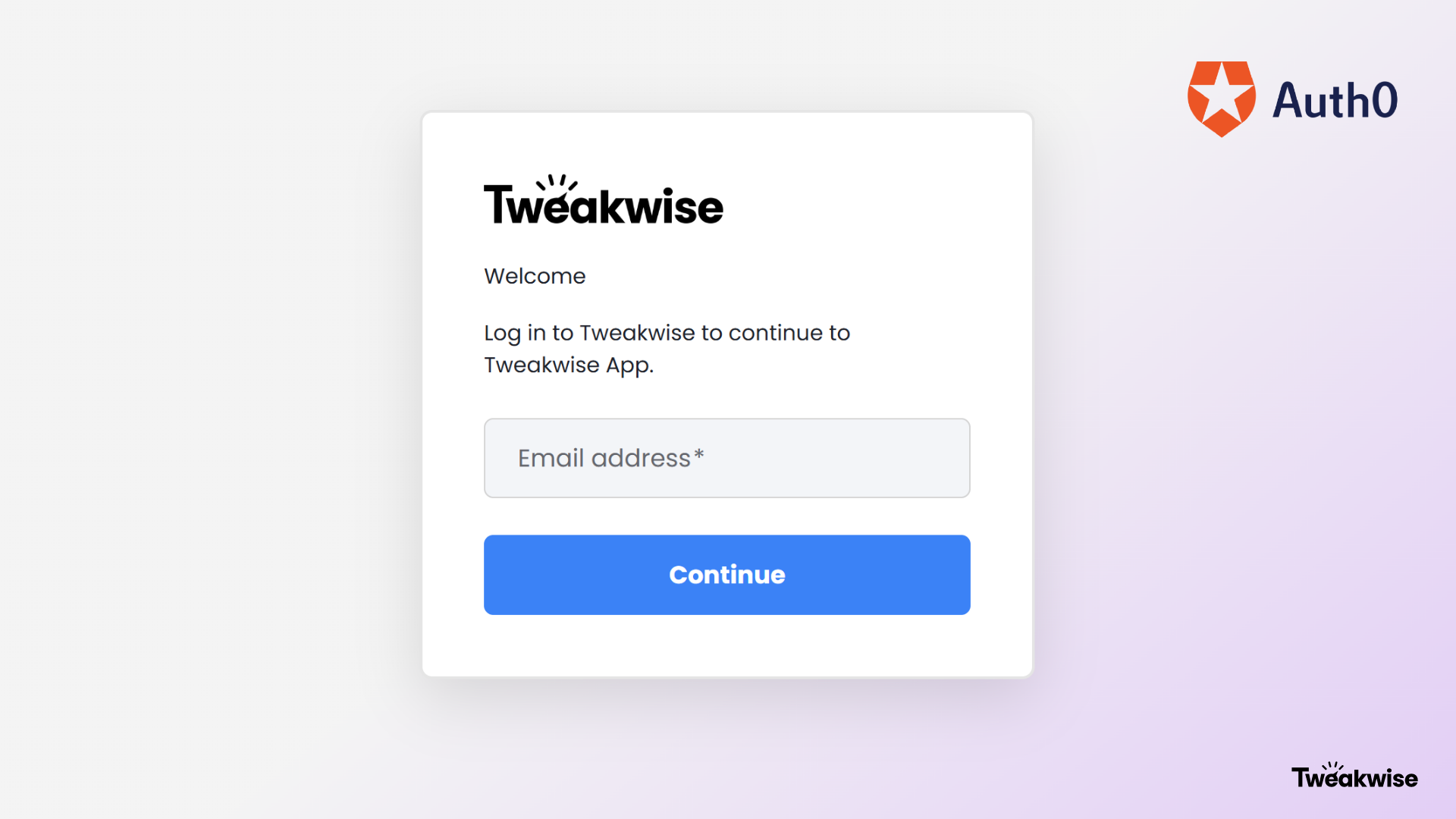
As the core functionality of the Tweakwise application remains unchanged, the login process will feature a modern interface based on common known Auth0 login-flows. Furthermore, our multi-tenant structure has been drastically improved: users with access to multiple client environments will now select their organization immediately after logging in and can subsequently switch between tenants fluidly via the top-right corner of the Tweakwise App without needing to re-authenticate.
For Customer Administrators, this release brings the most impactful and valuable change yet, as the legacy, manual user management is being replaced with a Organizations Hub: a centralized workspace that gives administrators autonomous control over their users' entire lifecycle. Within this interface, you can independently invite new team members, adjust roles and permissions in real time, or instantly revoke access. This model eliminates cumbersome operational workflows, ensuring that data integrity and tenant isolation stay securely in your hands.
Step-by-step guideComprehensive documentation and step-by-step click paths for provisioning new user seats are available here.