
Feature | Scalability options for Filter Templates
We’ve just leveled up the Filter Templates module with four new functional features which are designed to manage you catalog with precision. We’ve focused on removing manual workarounds and providing smarter ways to organize how your shoppers interact with filters. Whether it’s automating the order of sizes or ensuring your most important categories are always visible, these updates make your storefront more intuitive and your management process more efficient.
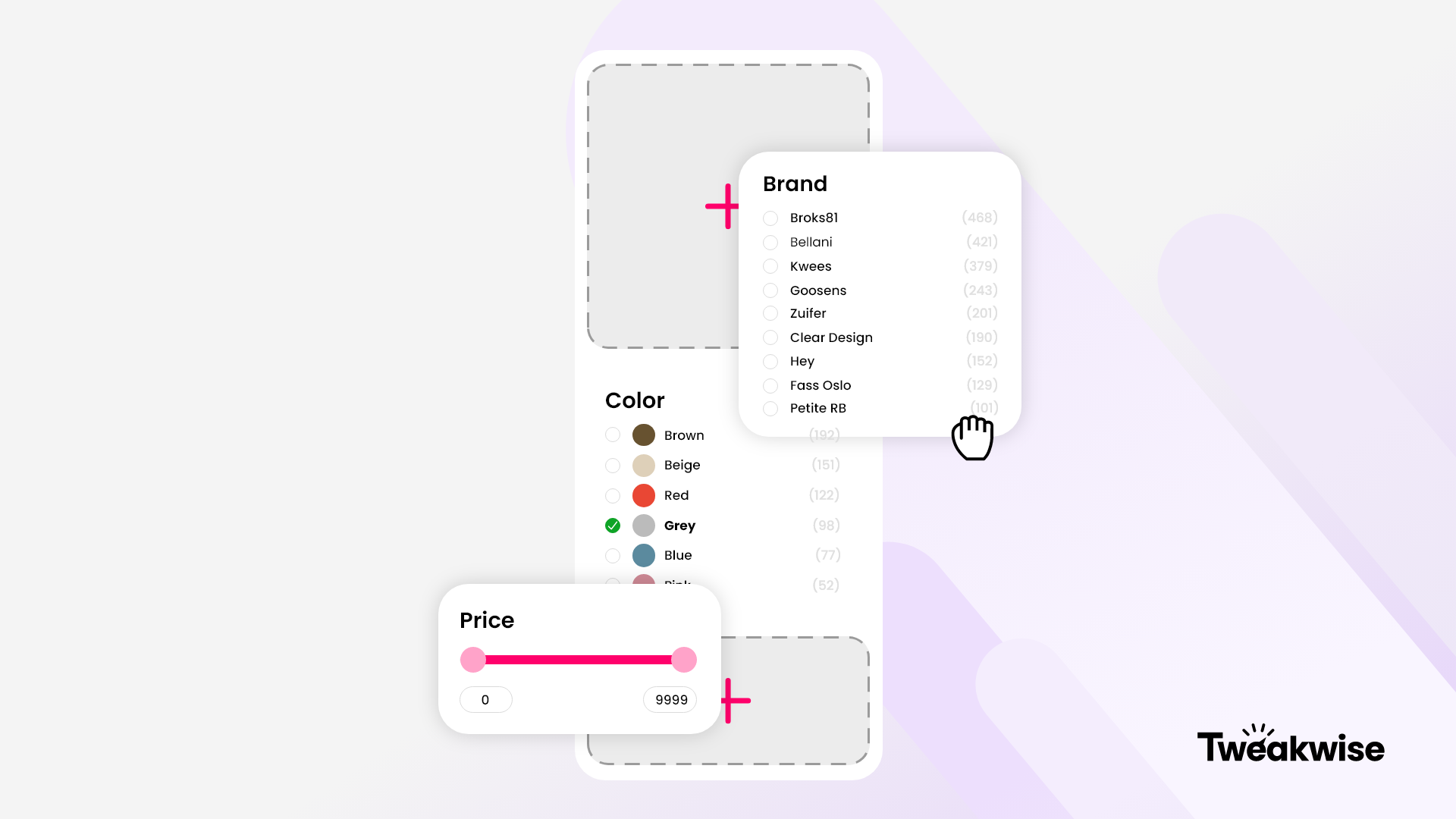
- Intelligent forced facet expansion: You can now dictate exactly how many facets remain open by default. By setting a specific number of positions to stay expanded (starting from the top), you ensure that your most high-converting filters like brand or price are immediately visible to every shopper, regardless of individual facet settings. This eliminates the 'not in sight' problem and keeps the most relevant options front and center.
- Automated reversed numerical sorting: We’ve added a '9-0' sorting logic for numeric facet values. An absolute game-changer for attributes where the highest value is the most relevant, like top-down price ranges or descending technical specifications. You no longer have to manually drag and drop values to get the order right; Tweakwise now handles the math for you just like we already did for a 0-9 sorting logic.
- Enhanced facet value management: ✨ Sorting complex attribute values like shoe sizes or clothing dimensions can be a manual nightmare. We’ve added new functional logic to the management interface that suggests and applies smarter sorting orders with the help of AI. This reduces the human effort required to keep your filter sidebars clean and organized, especially when dealing with hundreds of unique attribute values.
- Advanced category display logic: Consistency is key to a professional UX. We’ve added the ability to configure an alternative sorting order for categories when they are in an expanded state. This ensures that when a shopper clicks 'Show More', the list remains organized according to your strategic preference (such as alphabetical or most popular), rather than falling into a default or random order.
By automating the presentation of filters, you spend less time tweaking effort-costing changes and get more time to focus on high-level strategy in return. For your shoppers, these features mean a more predictable, structured browsing experience that leads them to the right product faster.