
New Tweakwise App Navigation Menu
We are happy to announce a simple but powerful upgrade to your daily workflow: the new Tweakwise App Navigation Menu! We’ve reimagined how you navigate our platform to give you a faster, more intuitive, and visually improved experience that perfectly aligns with our Tweakwise branding.
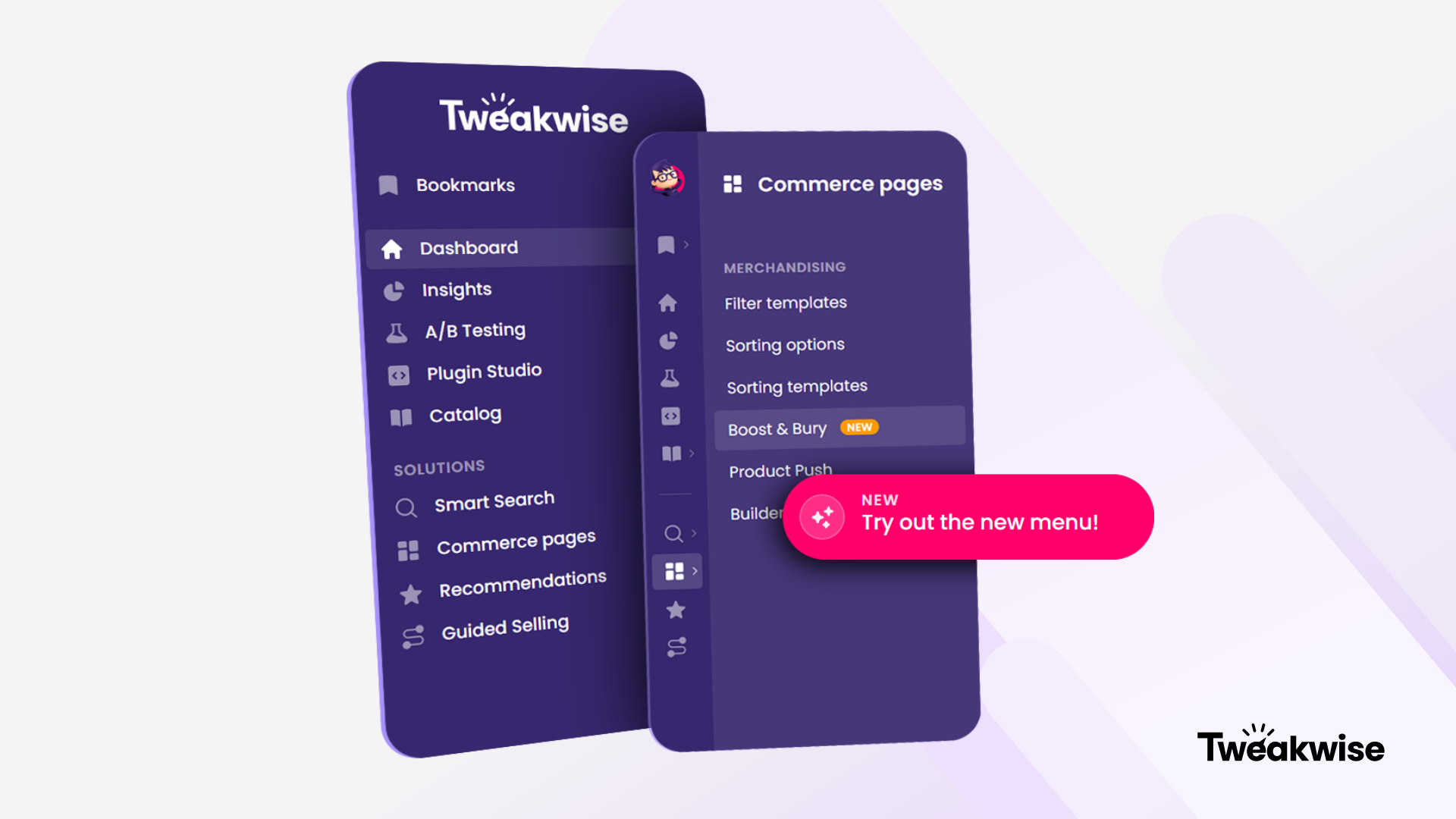
We have restructured the navigation based on your daily needs. By separating high-priority tasks from secondary settings, we’ve cleared the clutter so you can focus on what truly matters: driving conversion and optimizing your digital commerce experience.
Navigation Built Around Your Success
To make your workflow more impactful, we have organized the new menu around the four core solutions that power Tweakwise. You'll now find your favorite modules beautifully categorized under:
- Smart Search: Make your site search feature as relevant as possible with your own custom search algorithm, smart suggestions and error correction.
- Commerce Pages: Lister pages are by far the most important part of a webshop. Over 60 percent of visitors use them to find specific products, so ensure that the relevance there is off the charts.
- Recommendations: Display enticing products and increase your conversion and average order value with recommendations.
- Guided Selling: The assistance you can get in a physical store is an aspect of shopping that is still a challenge to recreate in online commerce.
Furthermore, we’ve rearranged several modules and placed our Merchandising levels in their rightful, most logical spots. The best part? You can now bookmark your most-used modules, creating a personalized shortcut list unique to your own user account!
Phasing out the classic Navigation MenuThe new navigation menu is available for all users, but not yet enabled by default. As breaking old habits takes a little time, we have included a toggle to switch between the classic and the new layout. Use this grace period to get familiar with the new setup, find your bearings, and customize your bookmarks. The classic menu will officially retire mid-July, at which point the new navigation will become the standard for everyone.