
Enable A/B Testing support
A/B testing relies on the implementation of the event tag. Make sure you've updated to the latest version of the extension to support the event tag fully.
You can enable the event tag by following these steps
-
Go to Stores → Configuration → Catalog → Tweakwise
-
Go to the General section. Open Personal Merchandising
-
Set Send analytics events to Tweakwise to yes
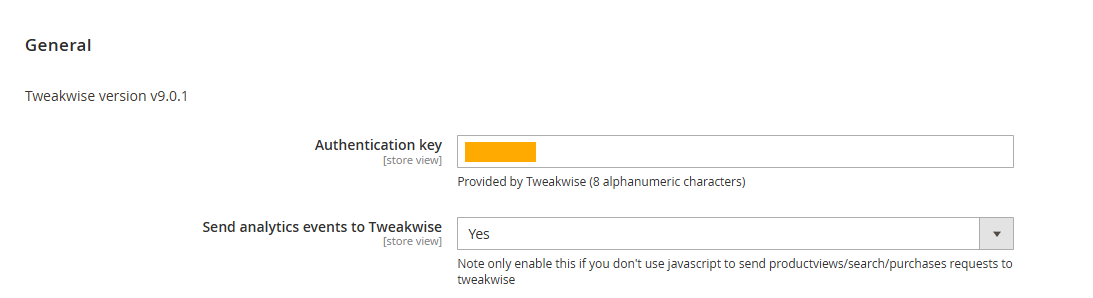
-
Enable personalization. This is needed to be able to identify every unique visitor to determine if they should see the A or B variant of your test.
Updated 1 day ago
Did this page help you?