A/B testing relies on the implementation of the event tag. Make sure you've updated to the latest version of the extension to support the event tag fully.
You can enable the event tag by following these steps
-
Go to Stores → Configuration → Catalog → Tweakwise.
-
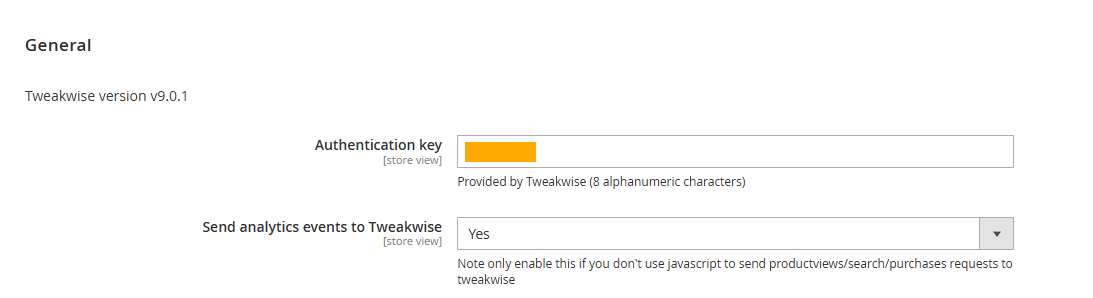
Go to the General section. Open Personal Merchandising.
-
Set Send analytics events to Tweakwise to yes