
Displaying recommendations in the shopping cart is a powerful way to increase Average Order Value (AOV). These recommendations are typically context-sensitive, based on the items currently in the cart.
Configuration
- Go to Settings → Extensions → Tweakwise.
- Go to the section Checkout sales.
In this section you can define whether you want to show recommendations in your cart/checkout or not, and what type of recommendations you want to show.
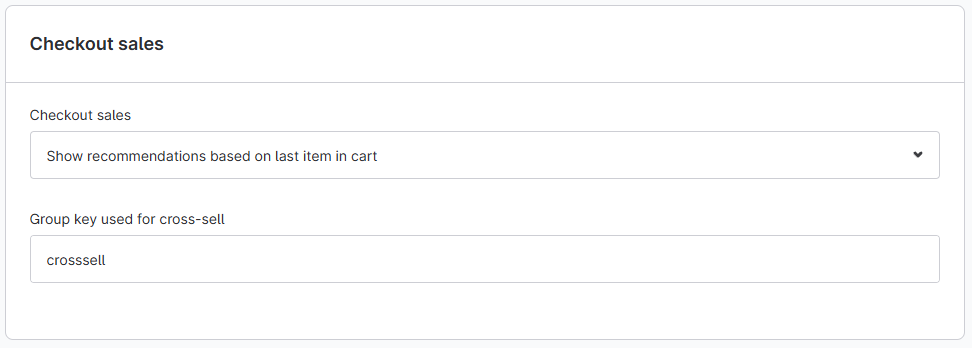
- Set Checkout sales to "Show recommendations based on last item in cart".
- Set group key to the group key configured in Tweakwise. For example: crosssell.
Notes/important considerations
- In the Tweakwise Shopware plugin, cart recommendations are configured to trigger based on the product last added to the cart.
- Don't forget to save and to clear your caches after configuration.