Tweakwise Recommendations help you increase relevance and average order value with smart, rule-based product suggestions. Upsell, cross-sell and highlight products across your site and emails, without a black box. Stay in control, tweak continuously, and turn product discovery into conversion.
There are two type of recommendations you can add to your web shop:
-
Featured recommendations: helps visitors discover products immediately and set the tone for their shopping experience.
Examples: Best-selling items, New Arrivals, Seasonal promotions or other curated collections.
-
Related recommendations: related recommendations capitalize on customer interest and can significantly increase cart value by suggesting relevant add-ons.
Examples: Complementary items, Similar products, Items frequently bought together or alternatives.
This guide explains how to enable Recommendations on your platform.
Related recommendations
These recommendations will be related to the selected product.
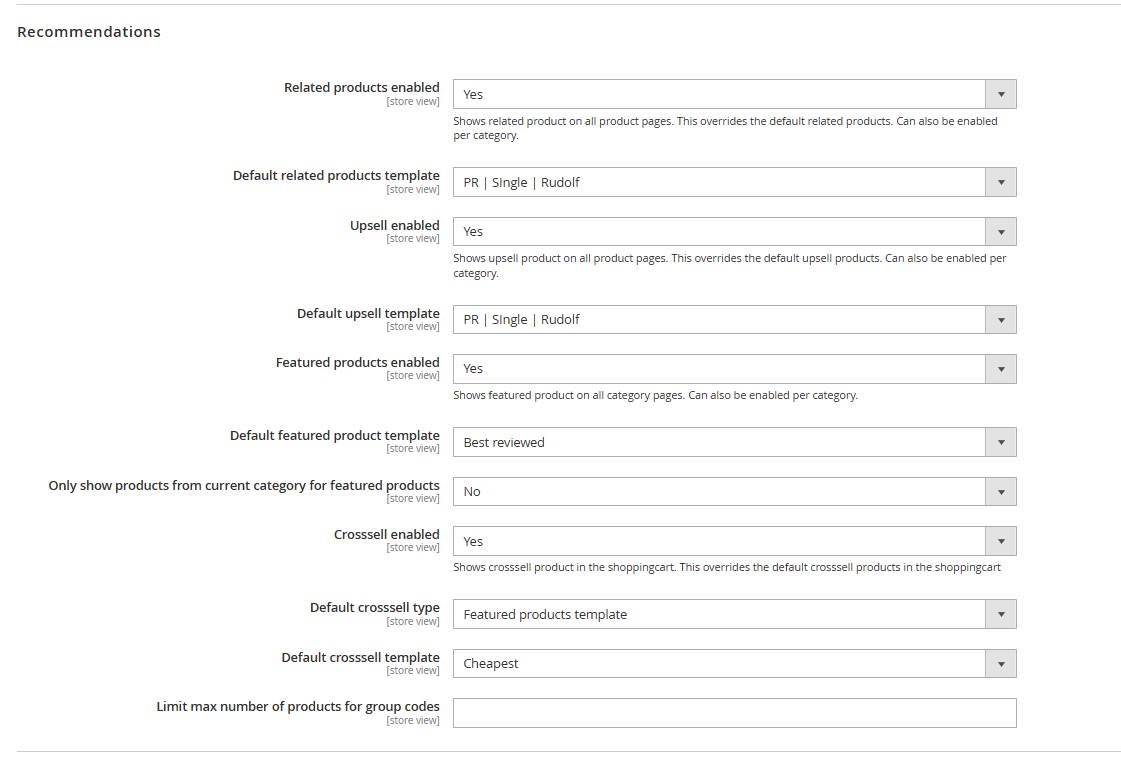
The Tweakwise module retrieves all available recommendation configurations in Tweakwise to make it easier to configure.
You can configure whether you want to turn on recommendations (yes/no) on these specific locations:
- Related products: Shows related product on all product pages.
- Upsell: Shows upsell product on all product pages.
- Featured products: Shows featured product on all category pages.
- Crosssell: Shows crosssell product in the shoppingcart.
Related, upsell & featured can have overrides on category or product level. If you set any of these to no, Magento's default recommendations will be displayed.
Using the group code
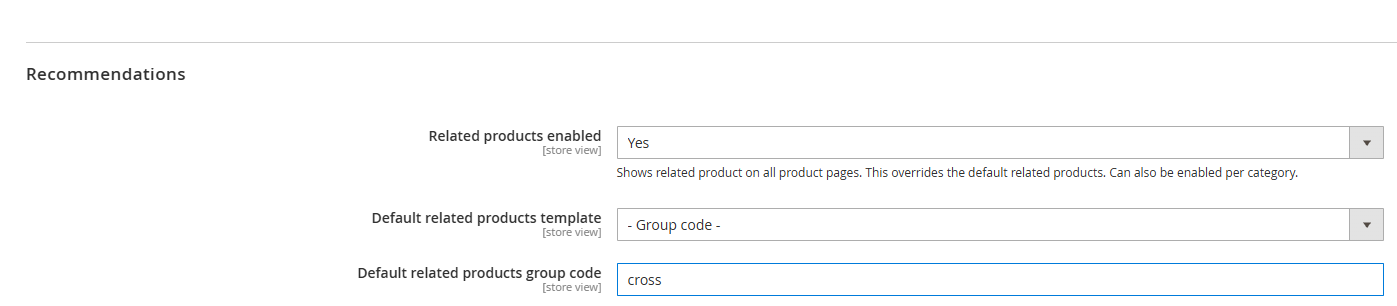
When configuring a recommendation based on a source product (related products, upsell, or cross-sell), you have the option to choose - group code-. If you select this option, a text field will appear where you can enter a group code. This allows you to combine a set of recommendations with different rules and priorities. Read more about this group code concept here.
Featured recommendations
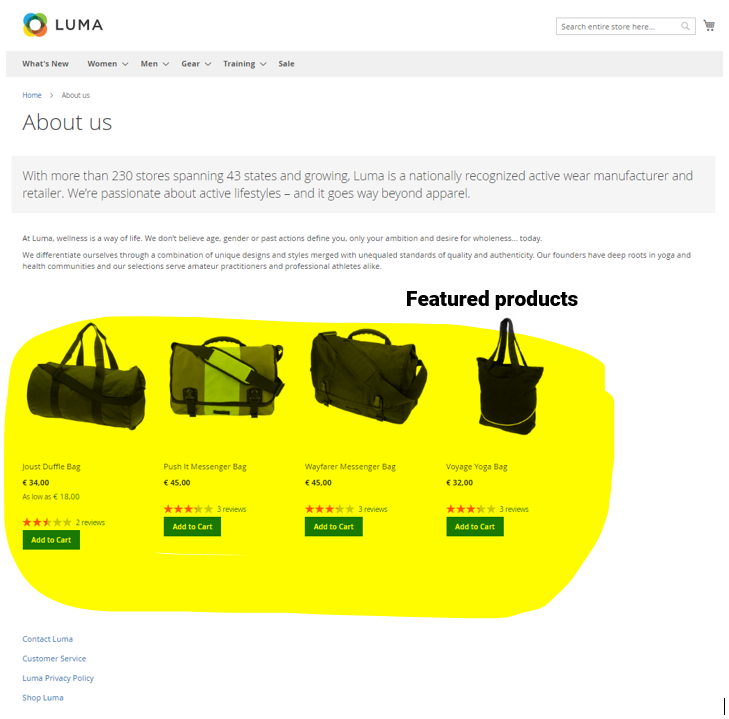
You can place a featured products widgets on any position on a content page, for example the home page.
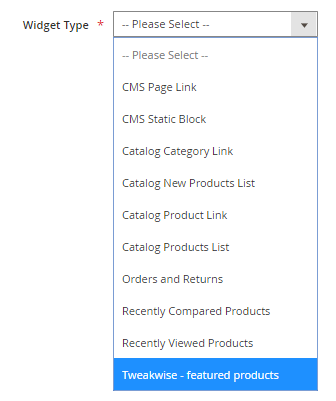
Make sure it's a Tweakwise - featured products widget: