
Instead of injecting usp's directly into your product grid, you can define them as seperate elements. This allows for better scaling, improved readability, and a more consistent user experience on various screen sizes.
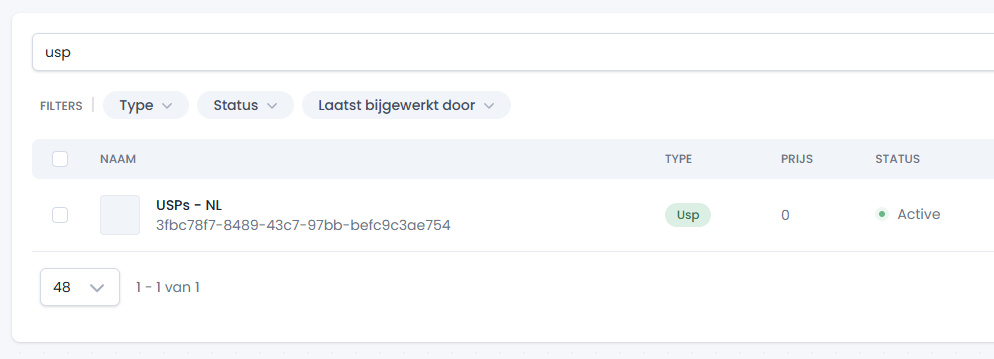
Step 1: Add an USP item to your instance
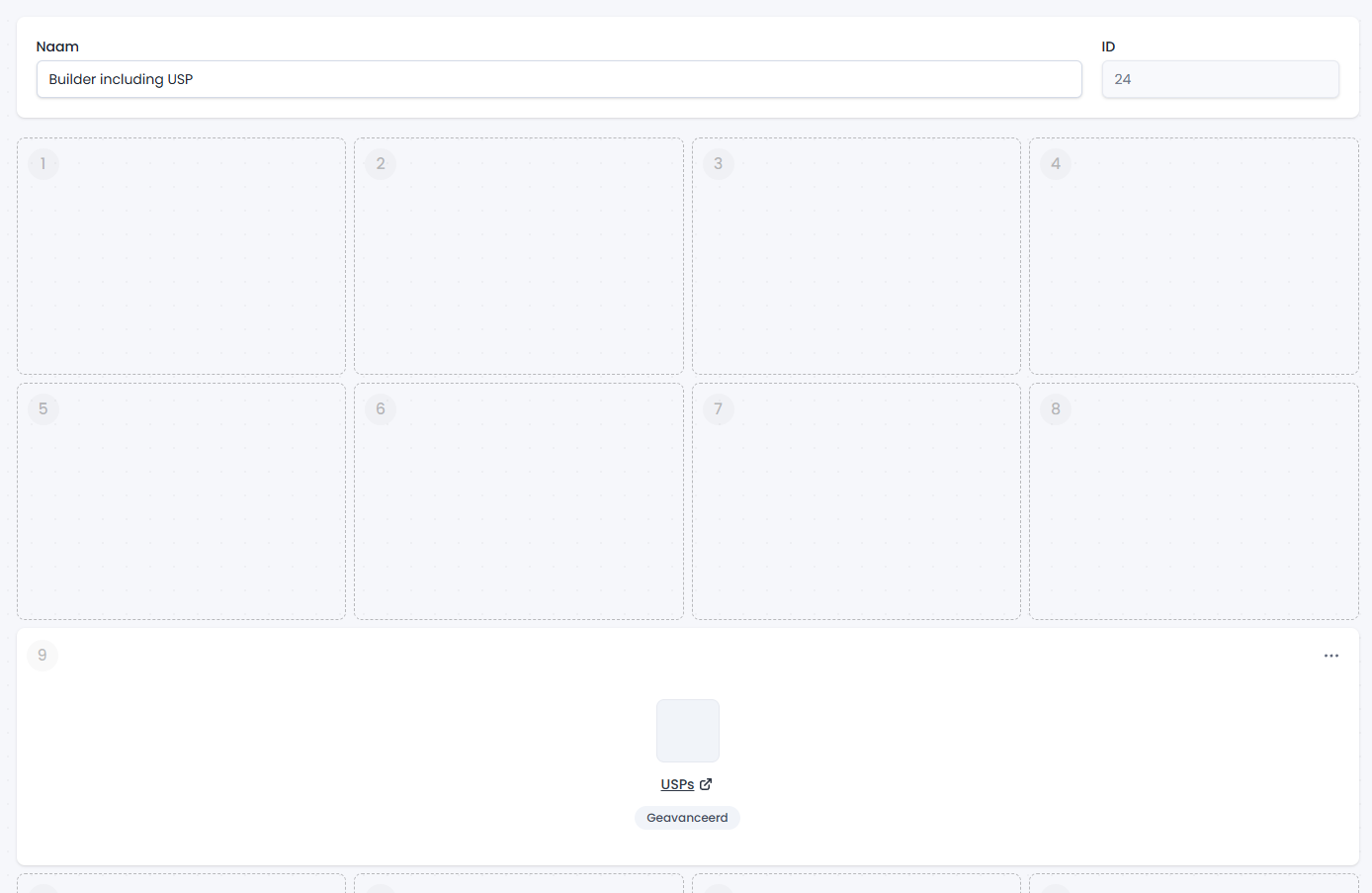
Step 2: Add the item to your builder
Step 3: Use the visibility hook
Add the following logic to your tweakwiseListerPage function call. This listens for the item visibility event, identifies visual items, and appends the elements to the tile:
tweakwiseListerPage({
  // ...
  on: {

    "twn.product.visible": function (event) {

      const item = event.data;

      if (item.type === "usp"){
        tw__usp(event.targetElement, item)
      }

    }

  }
})
export function tw__usp(element, item){
if (item.type !== "usp") return;
var labels = [ 'Free shipping', 'Free returns', 'Fast shipping' ];
labels.forEach(item => {
var el = createElement("div", "tw__usp", item);
container.append(el);
})
target.append(container);
}Add the desired styling to the usp item to match your branding.