
The Tweakwise Event Tag captures essential visitor behavior and forms the foundation for insights, personalization and optimization. By collecting the right data, you can keep tweaking what truly works. This helps you get more value from Tweakwise today and prepares your platform for future features.
Implementation
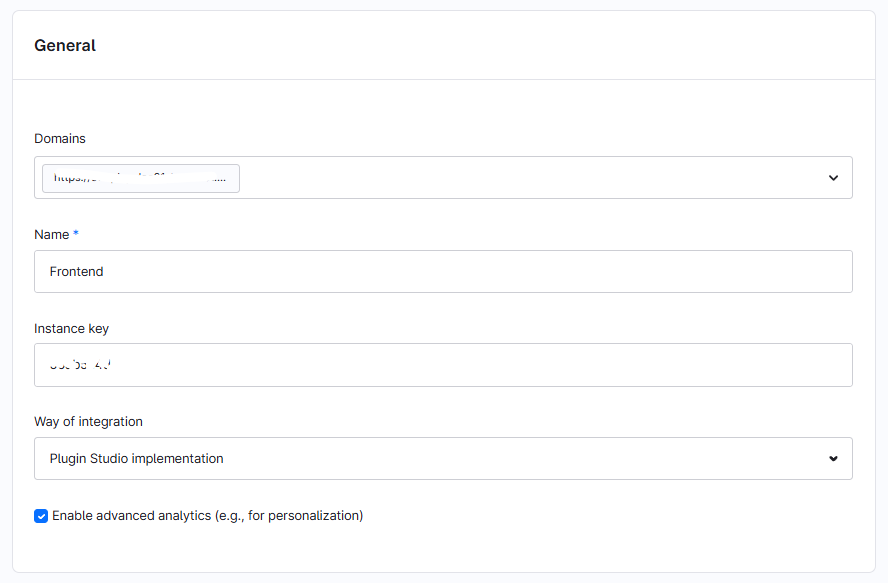
To automatically enable Event Tag events, go to Settings → Tweakwise and open the respective frontend record.
In the General section, check Enable advanced analytics (e.g., for personalization)
Notes & important considerations
- Support status: Shopware extension will support all events out of the box. Any customizations that do not hook into Shopware defaults might need custom work. For example, sticky add to cart buttons.
👉 Check Event Tag adoption status to see what is what currently is supported.